AI Word to PPT Converter
Upload a Word doc, get a PowerPoint deck back. Unlike a 1:1 file converter, the AI reads your headings and bullet lists, lays them out as slides, and picks a design that matches the tone of the document. Download the .pptx when you're done.
What people turn Word docs into
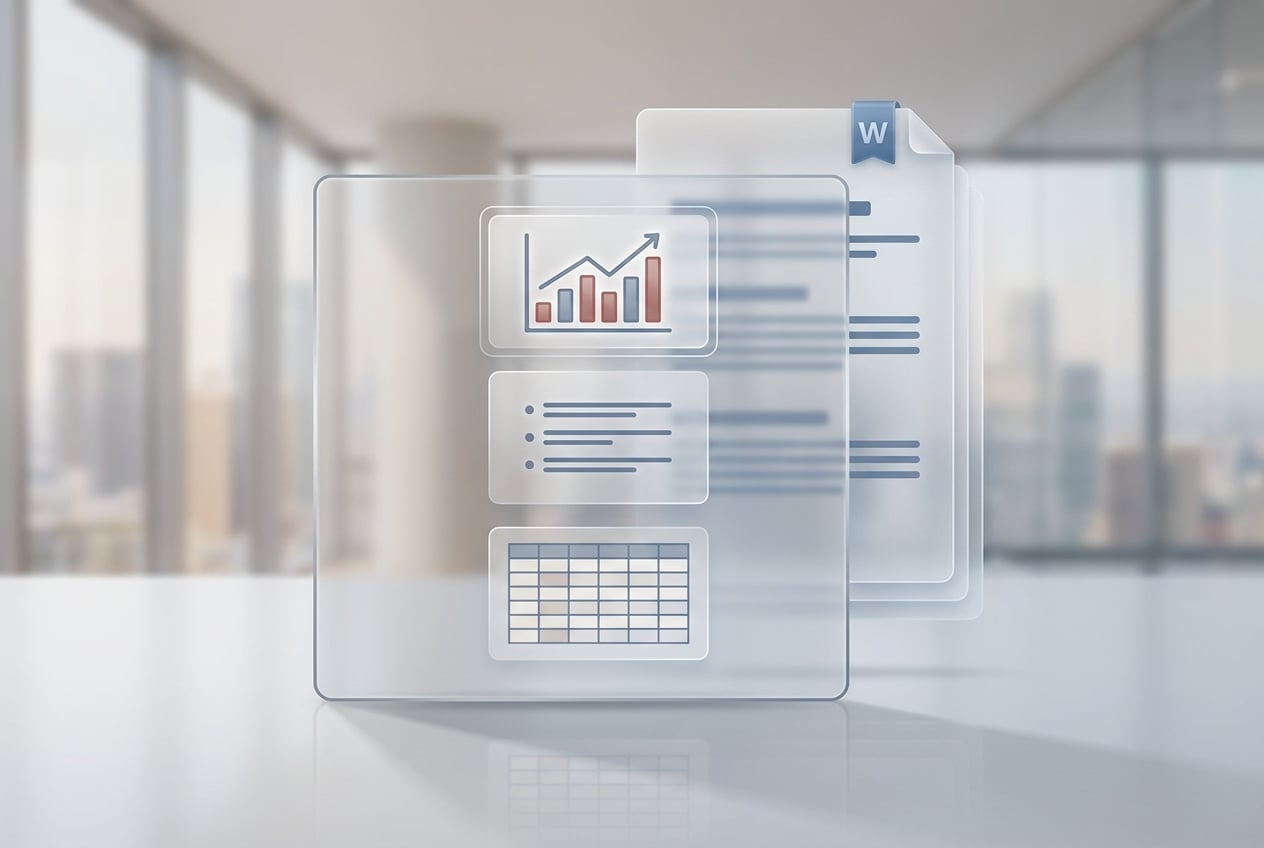
Business Reports & Pitch Decks
Annual reports, board updates, product specs, pitch decks. Upload the Word draft you already wrote and get a deck back. Headings turn into slide titles, bullets stay as bullets, and the numbers, names, and tables don't get mangled in the transfer.
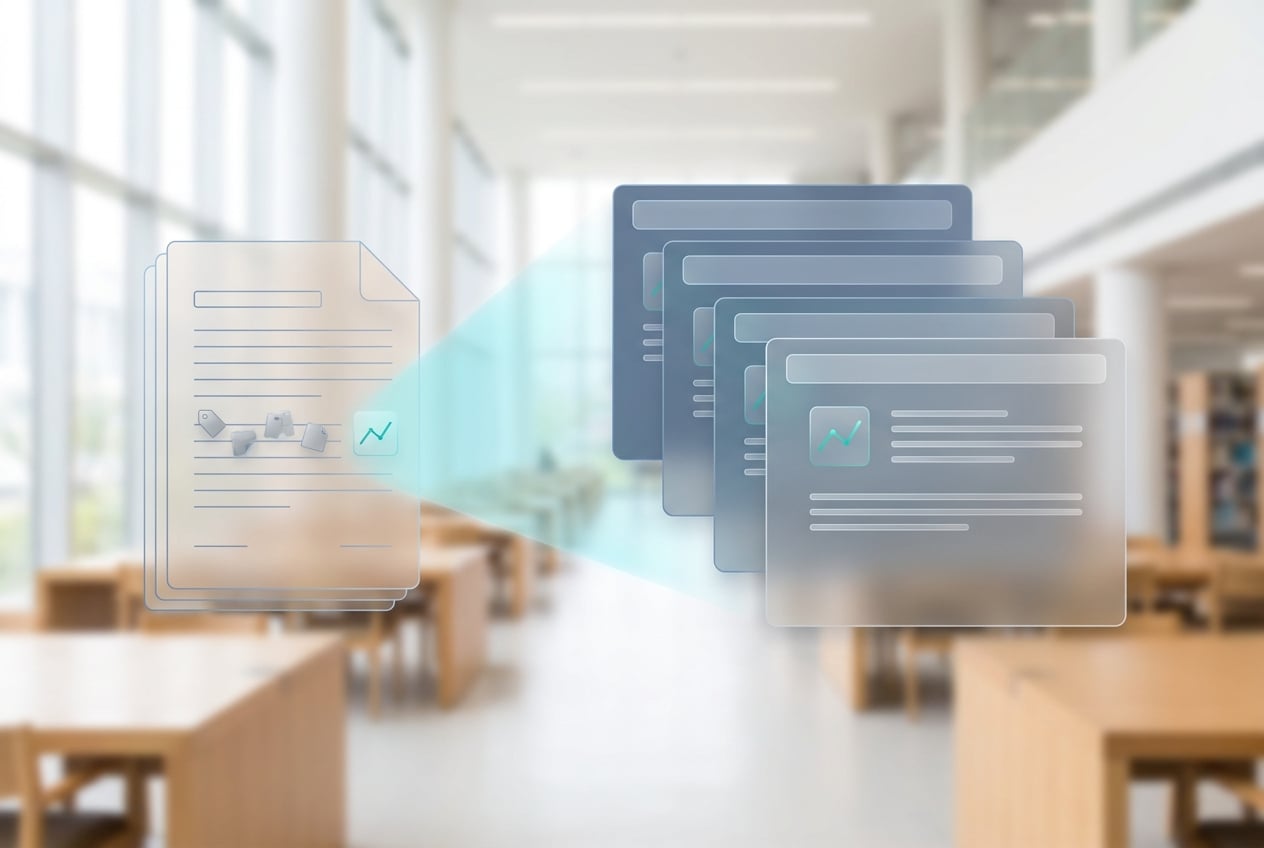
Research Papers & Conference Slides
Upload your paper, get conference-ready slides. Abstract, methodology, findings, limitations, conclusion — each on its own slide. Your citations and figure numbers stay with the right content, so nothing drifts out of place when you build the talk.
Training & Onboarding Materials
Internal guides, onboarding docs, SOPs — the kind of documents you want your team to actually read. Convert them into slides so they will at least look. Drop in your company template afterward; you don't have to restructure anything.
Class Notes & Study Slides
Lecture notes, textbook chapters, study guides — turn any of them into slides for a presentation or a study session. Works across subjects and languages.
Convert Word to PPT in 3 steps
1. Upload your Word doc
Drag in a .doc or .docx file, or paste the content. Up to 500 pages per file. Your document stays private and isn't used to train any models.
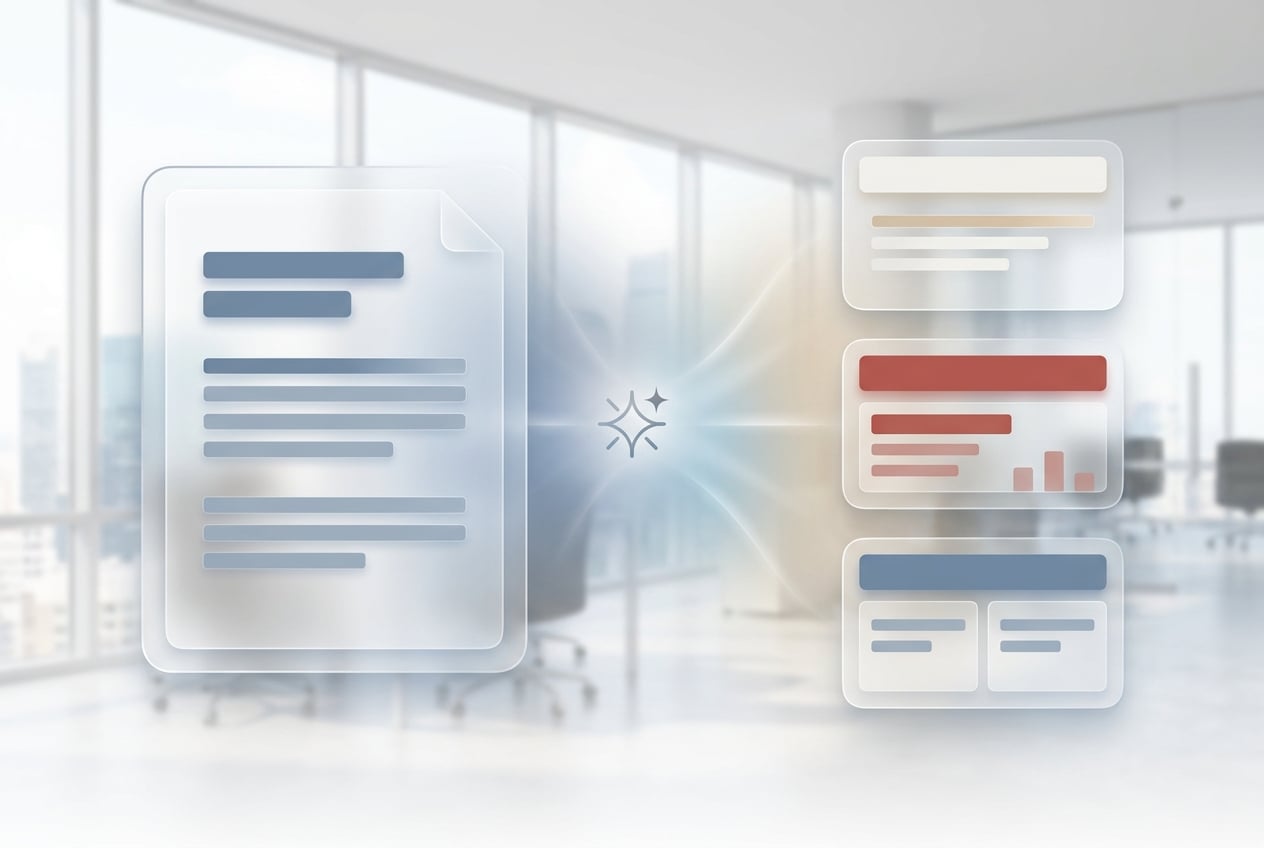
2. AI converts it to slides
The AI reads your document structure. Headings become section dividers, bulleted lists become slide bullets, and tables get reformatted to fit the slide frame. A matching design template gets picked for you. Most decks come back in under 30 seconds.
3. Download as PPTX
Download the finished deck as .pptx and open it in PowerPoint, Keynote, or Google Slides. Don't like the first template? Regenerate with a different style.
Frequently Asked Questions
Is this Word to PPT converter free?
Yes. You get free credits to start, no credit card needed. Paid plans give you more credits, bigger files, and access to premium design templates.
What Word file formats are supported?
Both .doc (Word 97-2003) and .docx (Word 2007 and later) work. RTF files and pasted text are also supported. Max 500 pages per upload.
Does it preserve my images, tables, and formatting?
Images and tables carry over into the slides. Inline formatting like bold and bullets stays intact. The page layout gets replaced by the slide template — that's the whole point of using an AI converter instead of a 1:1 file converter.
Can I customize the slide design or template?
Yes. The AI picks a template based on the tone of your document, but you can ask for a different style (minimal, corporate, academic, playful) and regenerate. Or download the .pptx and swap in your own template.
How is this different from saving Word as PPT in Microsoft Office?
Office's built-in export does a 1:1 page-to-slide conversion, which usually looks terrible. This tool actually reads your content structure. Headings turn into section dividers, bullet lists become slide bullets, tables get reformatted to fit, and a matching template gets picked for you.
Does it work with non-English Word documents?
Yes. Upload a Word doc in any major language and the output deck stays in that language. Punctuation, typography, and reading direction all match the source. Works for Chinese, Japanese, Korean, Arabic (RTL), Indonesian, Portuguese, and more.
How long does the conversion take?
Most documents under 50 pages are converted in under 30 seconds. Longer files (up to 500 pages) take 1-2 minutes.
Is my Word document kept private?
Uploaded documents are encrypted in transit, never used to train models, and deleted from your library whenever you want.
Explore more tools
AI Presentation Maker
Type a topic, get a slide deck. Works even if you've never opened a design tool.
AI Story Generator
Describe an idea and let AI write the story. Works for short fiction, full-length narratives, you name it.
Market Research Tools
Market research and competitor analysis, run by AI. Pulls from industry data so you can skip the manual digging.
AI Image Generator
Create images from a text prompt. Photos, illustrations, art, whatever you need.
AI Anime Generator
Turn text into anime art, characters, and illustrations. Multiple anime styles with free daily credits.
AI Design Generator
Generate posters, social media graphics, logos, and marketing visuals with AI. Free daily credits.
AI Video Generator
Turn text into video with 14+ AI models. Kling, Veo, PixVerse, Sora, and more. Free daily credits.
AI Music Generator
Turn text into songs with AI. Vocals, instrumentals, multiple genres. Free credits to start.
AI Note Taker
AI joins your meetings, transcribes everything, and gives you summaries with action items. 60 minutes free.
AI Podcast Generator
Turn text and notes into multi-speaker podcast audio with AI. Free credits to start.
Image to Video AI
Turn any photo into an animated video with AI. Upload an image, describe the motion, and let AI bring it to life.
AI Voice Cloning
Upload a voice sample, clone it with AI, and generate speech that sounds like the original speaker. Multiple voice engines. Free credits when you sign up.
AI Photo Editor
Edit photos with AI prompts — face retouching, background removal, creative transforms, and 40+ tools.
AI Document Generator
Create documents with AI — 400+ templates for business, legal, and academic use. Export to DOCX, PDF, or HTML.
AI Chat
Chat with GPT-5, Claude, Gemini, Grok, and 15+ top AI models — all in one place. Start free with 2,000 credits.
AI Cover Letter Generator
Generate tailored cover letters with AI. Choose from 29 professional templates, customize every detail, and export as DOCX or PDF.
AI Fact Checker
Verify any claim, article, or URL with AI. Multi-source verification, screenshot proof, and verbatim citations — free to try.
AI Flyer Maker
Create professional flyers with AI. Describe your event, business, or promotion and get a custom design in seconds.
AI Contract Generator
Generate professional contracts in seconds with AI. Freelance agreements, NDAs, employment contracts, and more.
AI Phone Call
Let AI make phone calls for you — restaurant reservations, doctor appointments, customer service, and more. Real calls, real conversations.
AI Invitation Maker
Design custom invitations for any occasion with AI. Weddings, birthdays, baby showers, and more — describe your event and get a unique design in seconds.
AI Invoice Generator
Generate professional invoices with AI. Describe what you need in plain English and get itemized invoices with automatic tax calculations in seconds.
AI Proposal Generator
Generate professional business proposals, grant applications, and project plans with AI. Describe your needs and get a structured proposal in seconds.
AI Resume Builder
Build a job-ready resume with AI. Paste a job description or describe your experience — get a tailored, formatted resume in seconds.
AI Report Generator
Generate business reports, financial summaries, and project updates with AI. Describe what you need, get a structured report in seconds.
AI Schedule Maker
Build work schedules, class timetables, and shift rosters with AI. Describe your needs, get an organized schedule in seconds.
AI Logo Generator
Create professional logos with AI. Describe your brand, pick a style, and download your logo in seconds. Free credits to start.
AI PDF Summarizer
Summarize long PDFs, research papers, and textbooks with AI. Upload a file up to 1,500 pages, get a clear summary, key points, and study notes in seconds.
AI Email Generator
Free AI email generator. Describe what you need, pick a tone, and get a clean professional email in seconds.
AI Menu Maker
Generate professional restaurant, cafe, and bar menu designs with AI. Describe your menu and get a custom design in seconds.